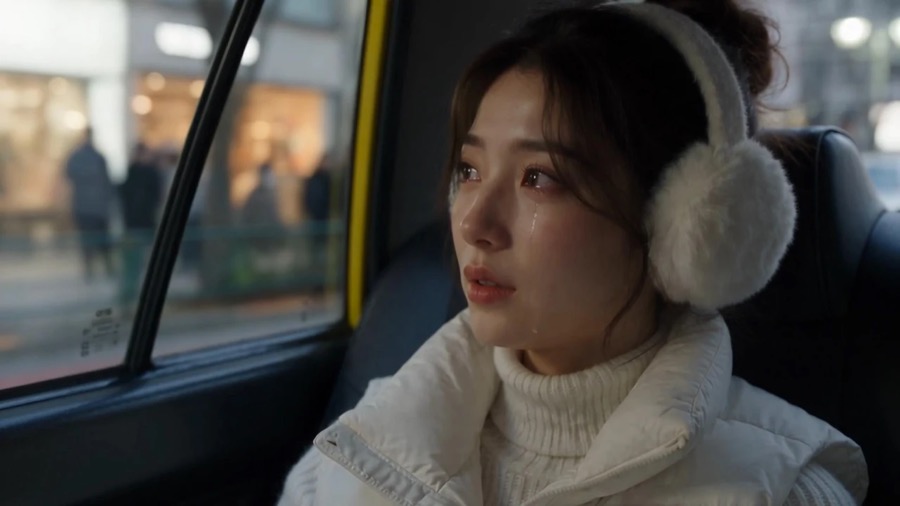
Expressions that carry the scene
Small changes in a character’s gaze, expression, and posture can convey what they’re feeling without a line of dialogue.
AI video by Sand.ai
Turn a script and your references into a cinematic scene with synchronized sound.
The model
Generate up to 30 seconds of native 1080p video with synchronized sound. Guide the scene with a script and media references, then refine the details with targeted edits.
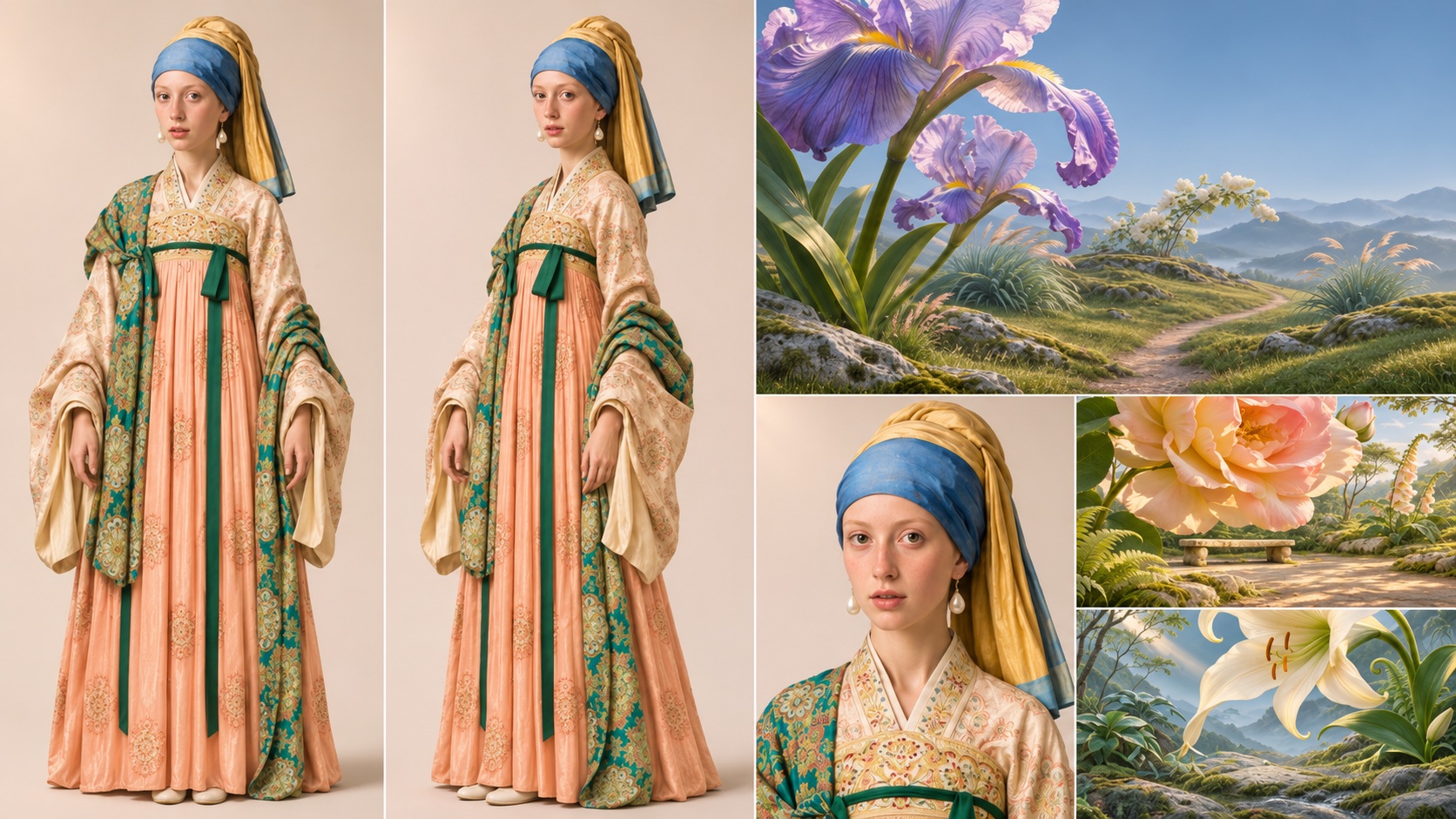
The MAGI-2 AI video model keeps camera movement fluid and the scene coherent, even as the visual style changes. In one demo, the camera moves through five distinct artistic styles, with smooth transitions and a consistent sense of space.
With up to 30 seconds of video in a single generation, MAGI-2 gives a story room to unfold from setup to resolution. Maintaining continuity across that full arc remains one of AI video’s toughest challenges.
Small changes in a character’s gaze, expression, and posture can convey what they’re feeling without a line of dialogue.
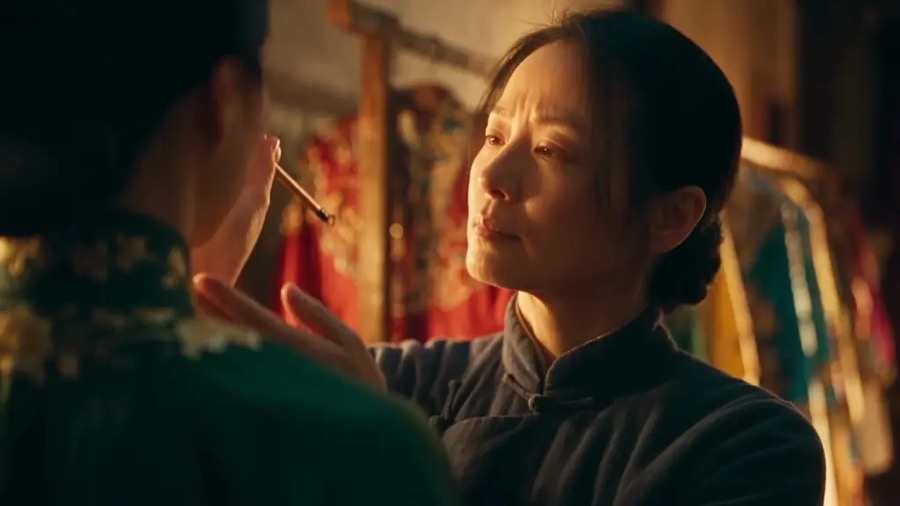
Directional light and textured fabrics give close-ups depth, helping a shot hold up when the camera moves in.
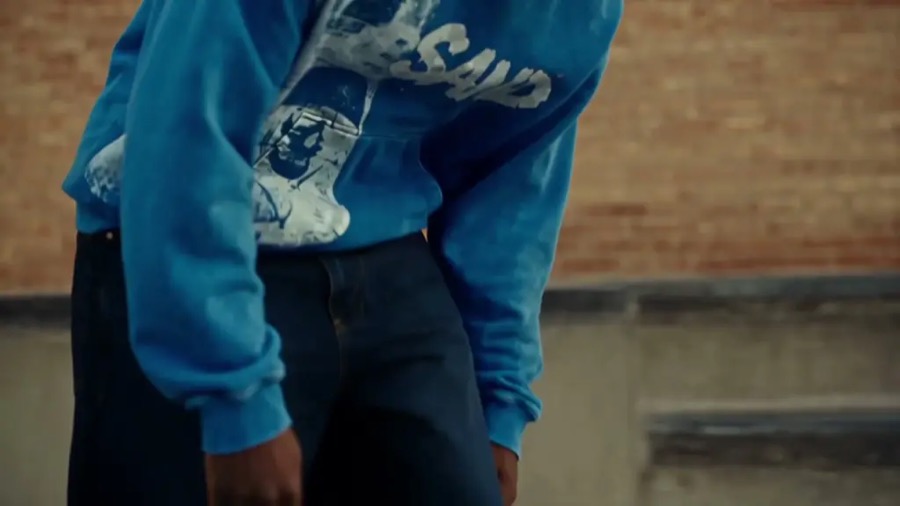
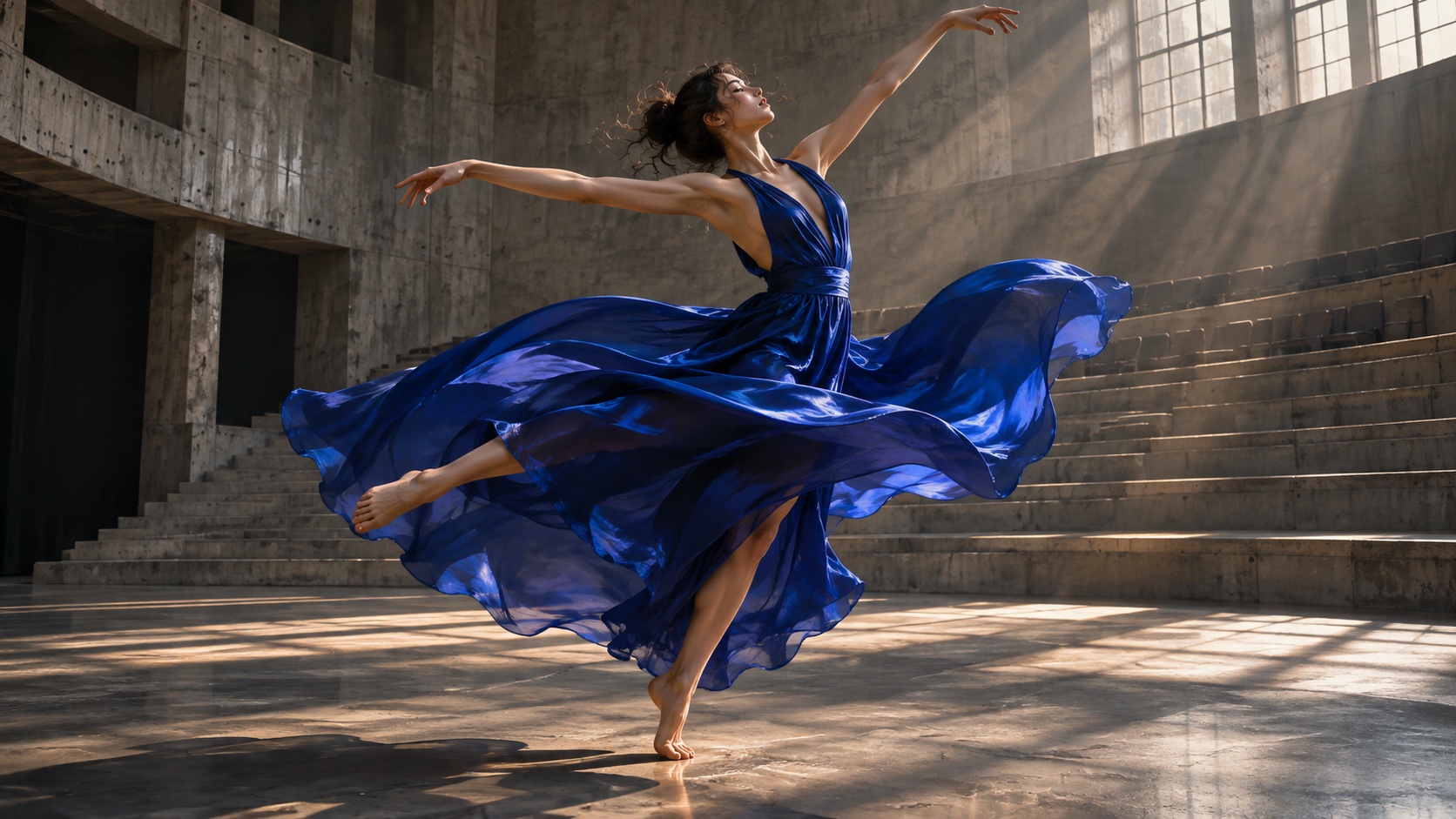
Show how a garment fits, drapes, and moves on a person. Changes in framing and lighting can bring out the details that matter in a product shot.
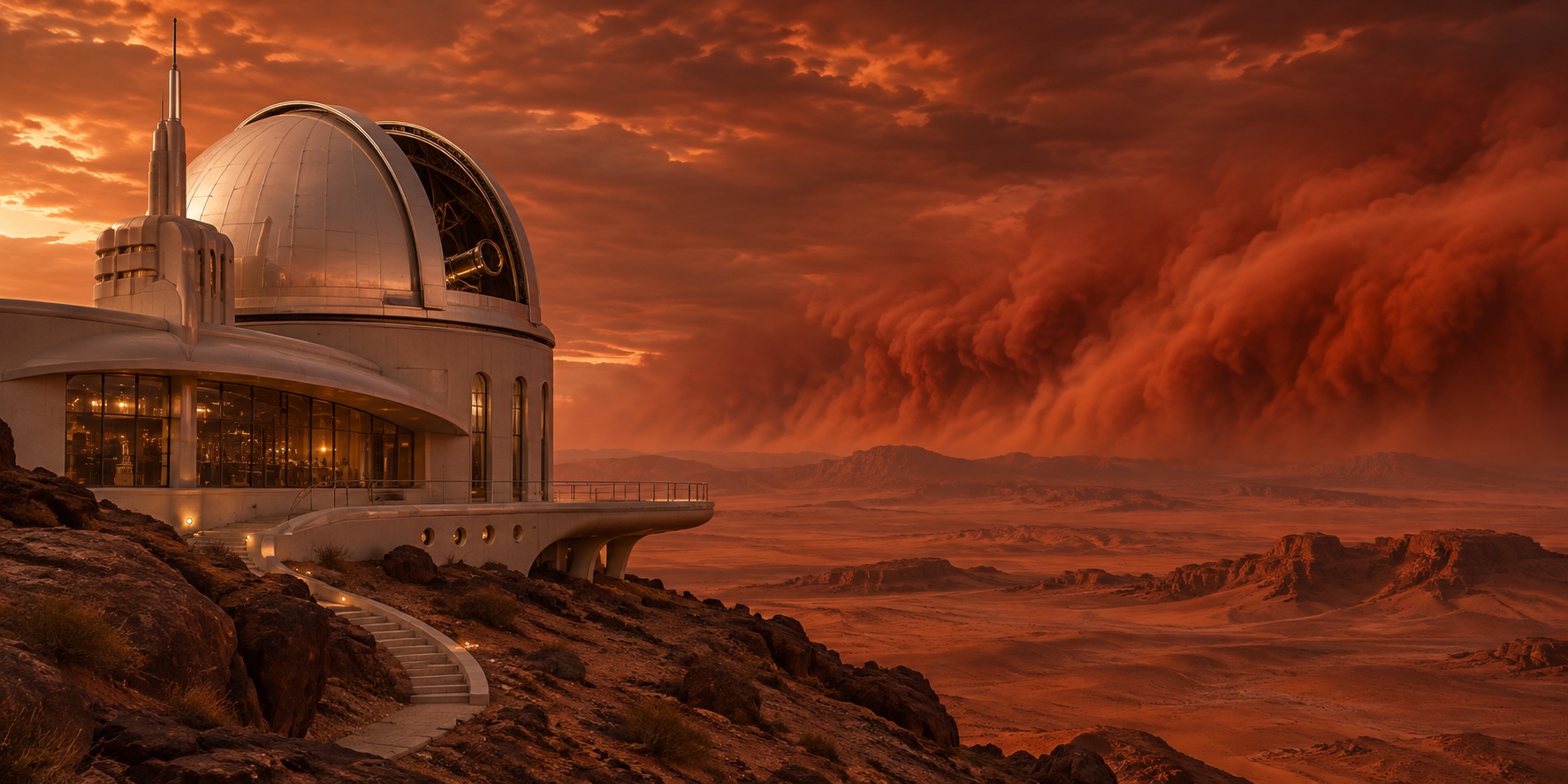
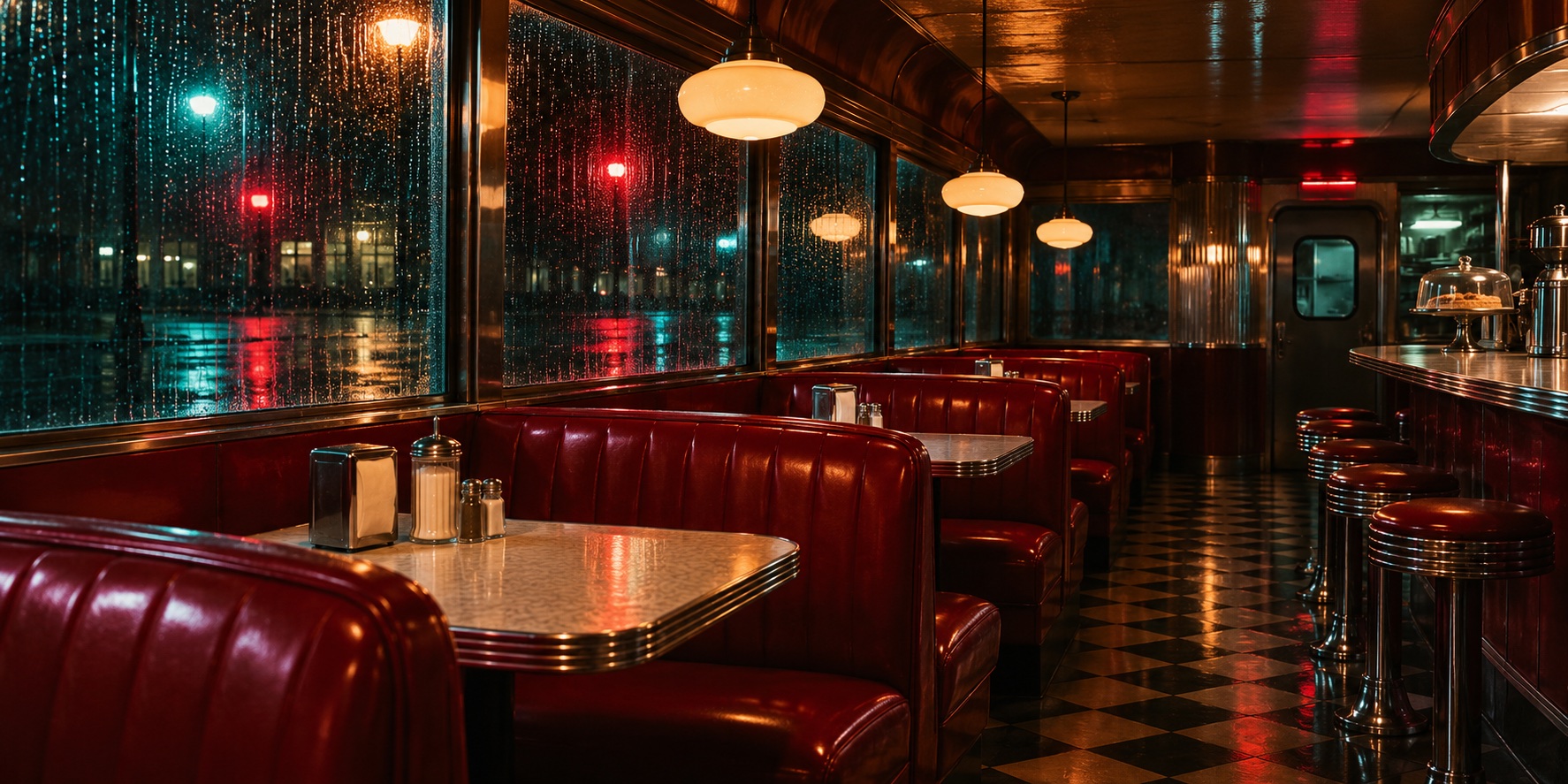
Stills from Sand.ai’s MAGI-2 demos.
Features
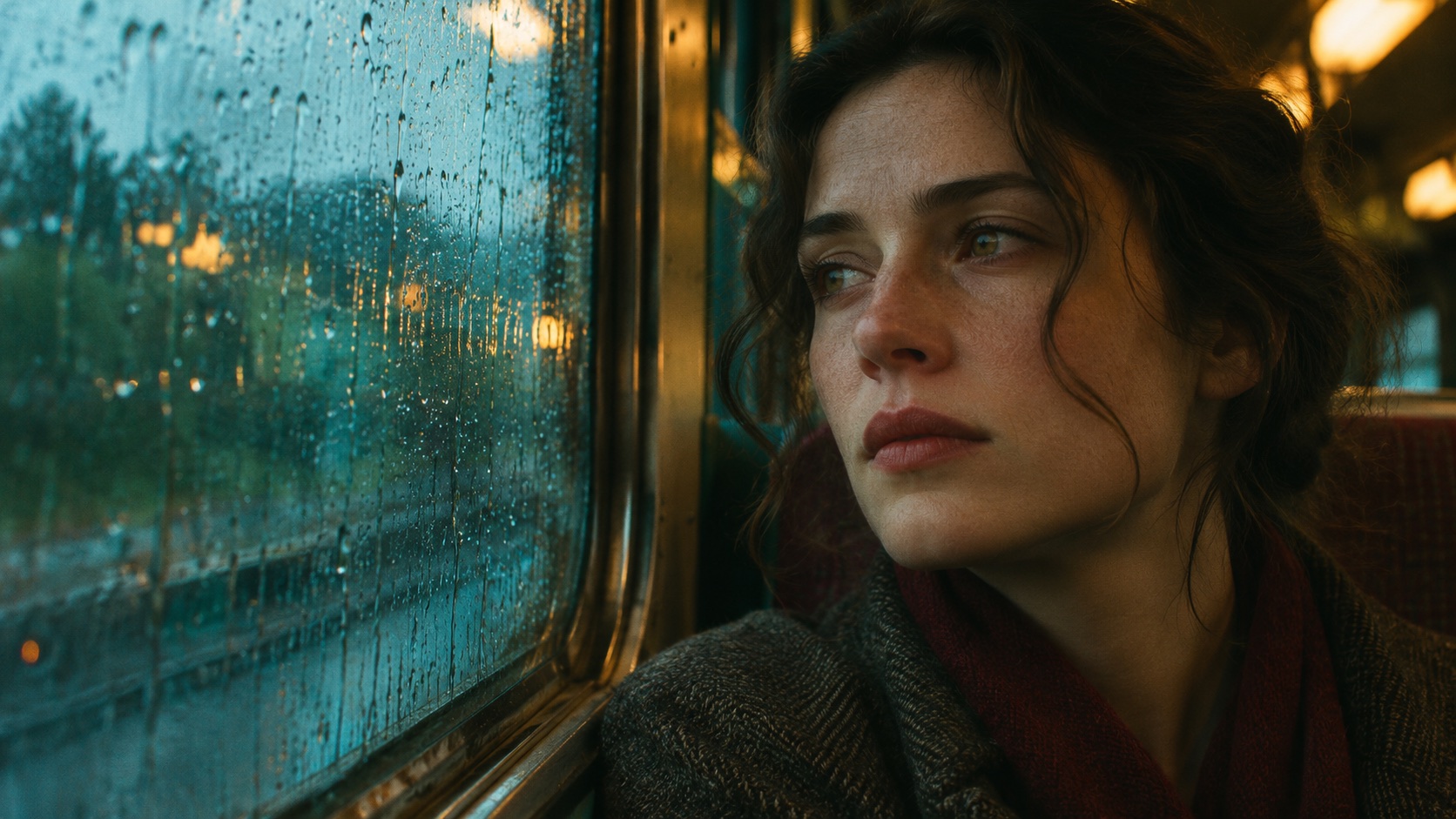
Guide facial expressions, lighting and movement when the camera moves in close.
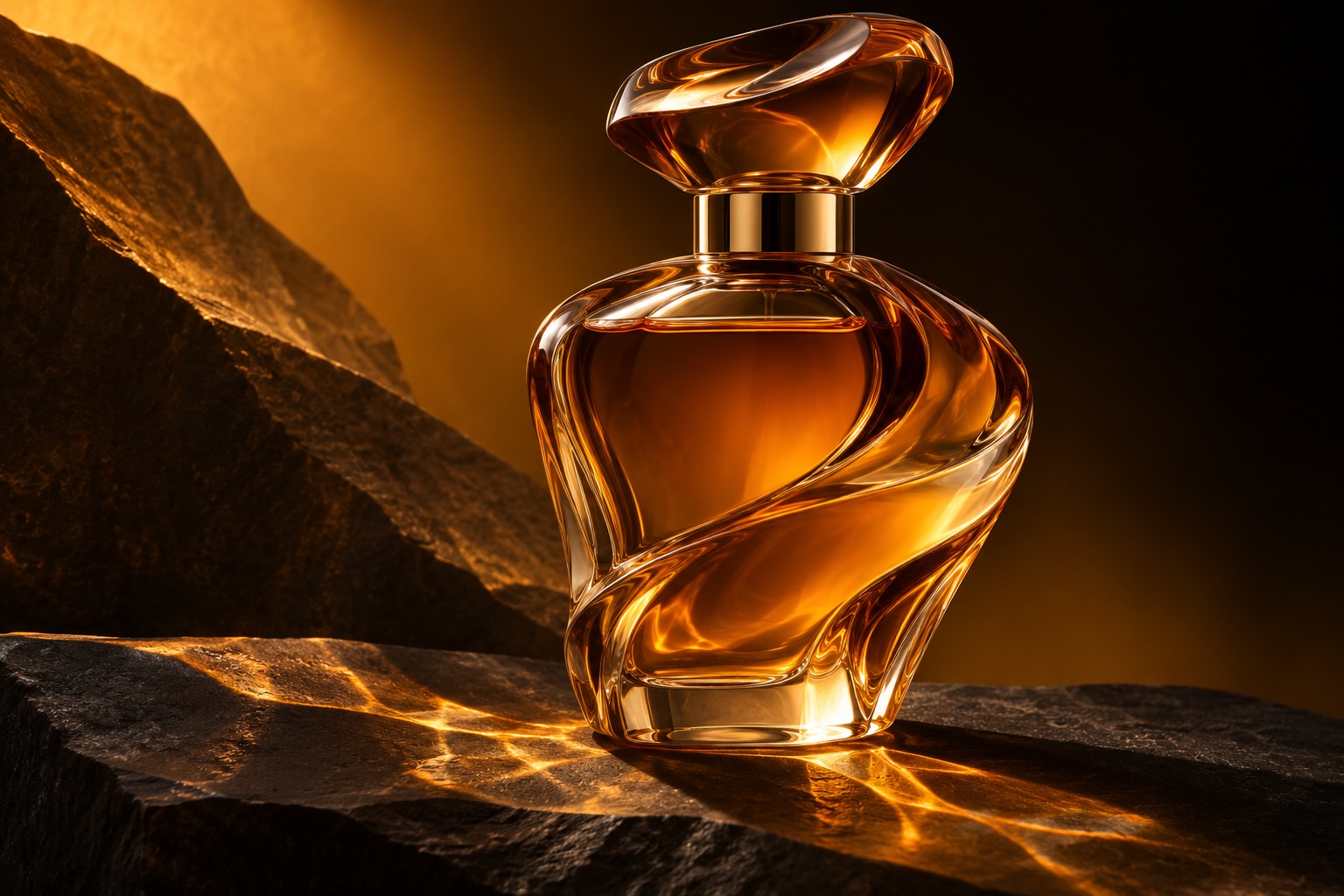
Use reference images to guide how materials, reflections and textures appear on screen.

Describe the framing and movement you want, or let MAGI-2 plan the shot around the action.
Original concept stills for visual inspiration.